Task Paralysis: Why Starting Feels Impossible and What Helps
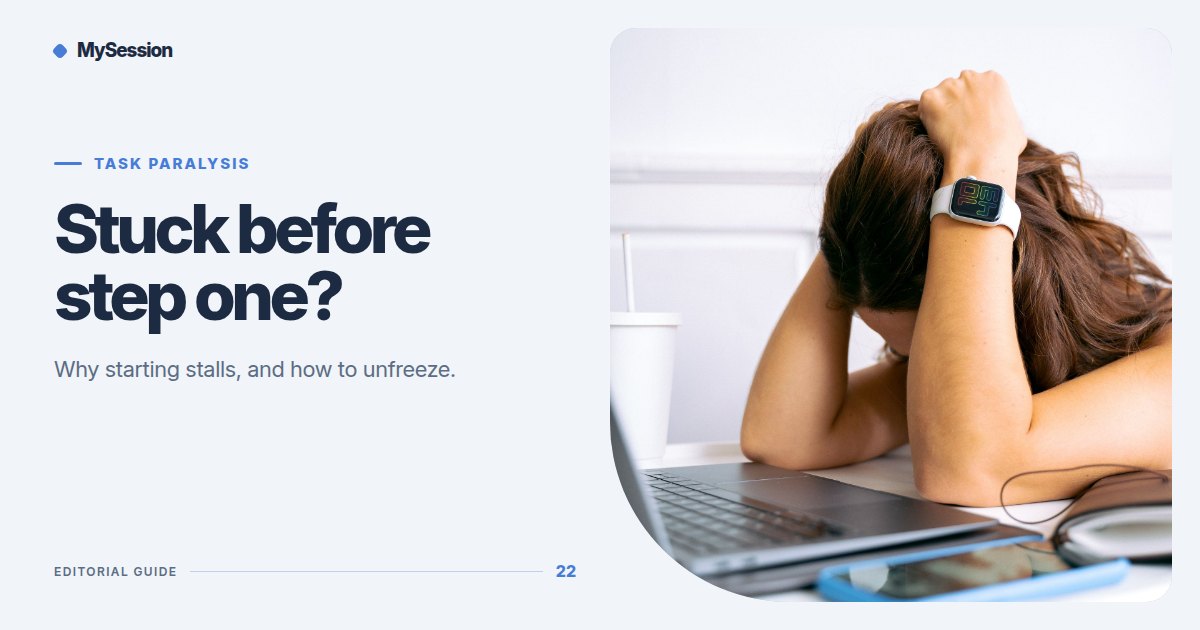
What task paralysis feels like
You know what needs doing. You may even have time to do it. Yet you sit in front of the task, or circle it for hours, and nothing starts. You check something else, tidy something small, or scroll, and the original task grows heavier every time you look at it.
That frozen state is often called task paralysis. It is an everyday term rather than a clinical diagnosis, and it is not the same as laziness: most people who describe it care a lot about the task. People with ADHD talk about it often, but anyone can get stuck this way, especially under stress or with a task that feels vague, high-stakes, or dull.
This guide covers why it happens, a ten-minute way to get moving, and which kinds of tools actually help.
Why starting stalls
Task paralysis usually has a specific cause, even when it feels like a general fog. Naming the cause tells you what to change.
- The next step is unclear. "Do taxes" is a project, not an action. Your brain cannot start something it cannot picture.
- There are too many options. Five tasks of similar urgency compete, and choosing feels like a task in itself.
- The bar is too high. If the first attempt has to be good, starting means risking a bad result.
- The task carries feelings. Money, conflict, judgment, or an old failure make the task uncomfortable to touch.
- Energy is low. Tiredness, overload, or a long day leave little fuel for the effortful part of starting.
| If you are stuck because… | Try this first |
|---|---|
| You cannot see the next step | Write the first physical action, such as "open the folder" |
| Everything feels urgent | Pick one task for the next 25 minutes and park the rest on paper |
| It has to be perfect | Aim for an ugly first draft you are allowed to delete |
| The task feels uncomfortable | Set a short timer and agree to stop when it ends |
| You are exhausted | Do a two-minute version now and schedule the rest |
A ten-minute way to unfreeze
This sequence is deliberately small. Its only job is to turn "stuck" into "started."
- Name the freeze (1 minute). Say or write: "I am avoiding X because Y." Choose Y from the list above. Labeling the reason lowers its pull.
- Shrink the task (2 minutes). Write the smallest action you could finish in five minutes: open the document and type a title, find one receipt, read the first paragraph of the email.
- Lower the bar (1 minute). Decide in advance that the first pass will be rough. You are collecting material, not producing the final version.
- Borrow a start signal (1 minute). Start a five-minute timer, or join a room where other people are already working. An external start removes the moment of decision.
- Do the five-minute action (5 minutes). When the timer ends, choose deliberately: stop, or continue for another block.
Most of the time you will continue, because the hardest part was the transition. If you stop, you still did something real, and the next start will be easier.
Is there an app for task paralysis?
No app removes task paralysis, but some tools make the start easier because they supply what is missing in the moment:
- Body doubling rooms add live people who are also working. A shared start and the quiet presence of others make beginning feel less like a solo act of willpower. Our guide to body doubling apps compares the main options, and MySession's rooms for procrastination show how one session works in practice.
- Visual timers give a clear, short container: five or ten minutes feels survivable when an open-ended task does not.
- Task breakdown tools, including a simple paper list, turn a vague project into a first step you can see.
The best tool is the one that removes your specific blocker. If the problem is an unclear next step, a timer will not help much; if the problem is starting alone, a room might.
Prevent the next freeze
Small habits reduce how often task paralysis shows up:
- End each work block by writing the next action, so tomorrow starts with a step instead of a decision.
- Keep a short "today" list of three items and a longer "later" list that you do not look at while working.
- Book difficult tasks into a time slot or a scheduled session, so starting is an appointment rather than a choice.
- Prepare materials in advance: open the files, gather the documents, and clear the desk the evening before.
For more on building the starting habit itself, read our guide to task initiation strategies, and for the first minutes of a session, see how to start a focus session when you feel stuck.
When to look for more support
Occasional task paralysis is normal. If it happens most days, affects your work, studies, or health, or comes with persistent low mood or anxiety, talk to a doctor or a qualified mental health professional. Practical tools such as timers and body doubling can sit alongside professional support, but they are not a replacement for it.
Frequently asked questions
Is task paralysis a symptom of ADHD?
People with ADHD often describe task paralysis, and difficulty starting tasks is commonly discussed as part of executive function challenges. But task paralysis is not a diagnosis, and it happens to people without ADHD too. Only a qualified professional can assess ADHD.
How do I get out of task paralysis fast?
Shrink the task to a five-minute physical action, lower the quality bar, and use an external start signal such as a timer or a room of people already working. Decide whether to continue only after the first five minutes.
Does body doubling help with task paralysis?
For many people, yes. Working alongside someone else adds a clear start and gentle accountability, which targets the moment where task paralysis usually wins. You can join a live room and try it with one small task.