Body Doubling With the Camera On or Off: How to Decide
The camera question comes up first
For many people, the hardest part of online body doubling is not the work. It is the camera. Turning it on can feel exposing, especially at home, on a messy day, or with strangers. Turning it off can feel like it defeats the point.
The honest answer is that the camera is a tool, not a requirement of body doubling itself. Some rooms ask for it, some leave it up to you, and it helps some people much more than others. This guide explains what the camera actually adds, when leaving it off is reasonable, and how to tell what a room expects before you join.
What the camera adds
Body doubling works through shared presence: other people are visibly working, and you are visibly working too. Video makes that presence concrete. Seeing small movements from the corner of your eye is a reminder that the session is running. Knowing that you are visible can make it easier to resist checking your phone or wandering off.
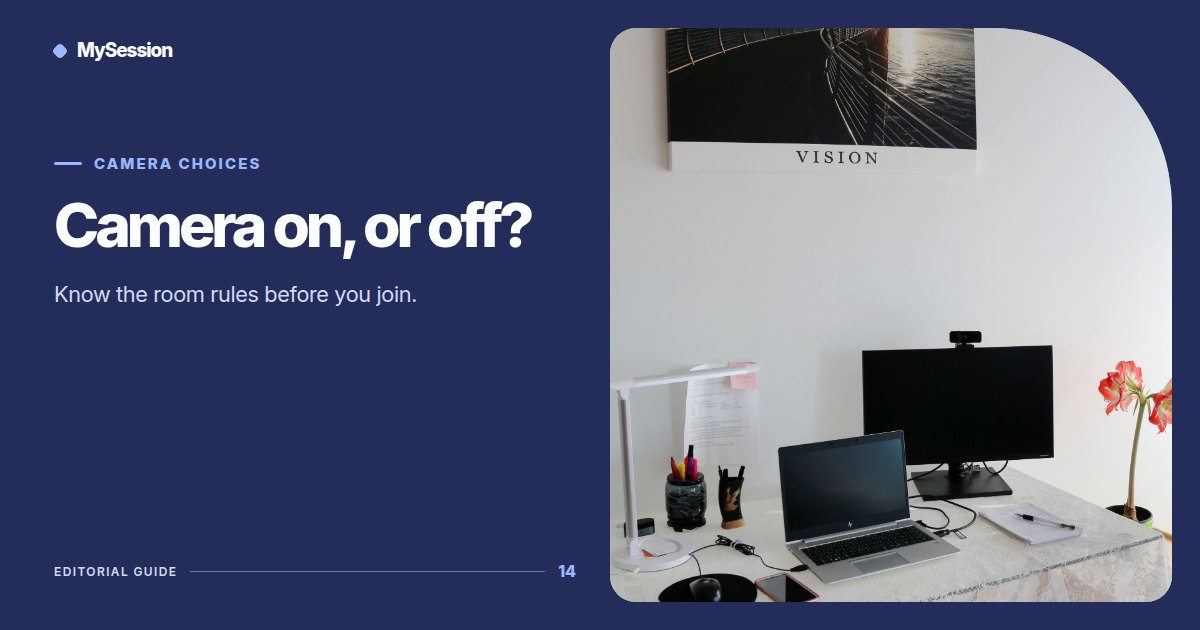
A camera also helps when you are doing work away from the keyboard. If you are sorting papers, tidying a room, or practicing an instrument, a camera pointed at your space shows that you are still there even when you are not typing. Our article on body doubling for cleaning covers this in more detail.
When camera-off makes sense
Leaving the camera off is reasonable when:
- your environment is private or shared with people who have not agreed to appear on video,
- your connection is unstable and video makes the audio stutter,
- being watched makes you anxious enough that you stop focusing, or
- the work is confidential and you cannot keep it out of the frame.
In these situations, a written intention in chat, a visible task list, and the shared timer still provide structure. Many people find that they are surprisingly focused with the camera off, as long as they stated what they planned to do.
How MySession rooms handle cameras
By default, MySession group rooms leave the camera up to each participant. A host can change that for a specific session: the room can require a camera, require screen sharing, accept either one, or turn off public chat. These rules appear as badges on the session card on the sessions page, so you can see them before you join.
One-on-one sessions are different. Camera is required for 1:1 sessions, because the format depends on two people seeing each other start and finish. If you want to keep your camera off, choose a group room without a camera badge. If you are unsure which format suits you, read group vs one-on-one body doubling.
Other platforms set their own expectations. As of October 2026, Focusmate asks members to stay on camera during sessions, while Flow Club asks people to keep video on "as much as you can" and offers chat-only options. Check the current rules of any platform you use, because they can change.
Making the camera easier
If you want the benefits of video without the discomfort, a few adjustments help:
- Change the angle. Point the camera at your hands, desk, or work surface instead of your face. Presence does not require eye contact.
- Use a background or blur. MySession includes background options in the pre-join screen, which can hide a cluttered room.
- Start with a short session. A 25-minute focus session is easier to try on camera than a long block.
- Remember where attention goes. In a focused room, other people are looking at their own work. Video tiles are small, and nobody is studying yours.
A simple decision rule
Turn the camera on if you tend to drift away when nobody can see you, and the room and your environment allow it. Leave it off if video makes you anxious, exposes something private, or slows your connection; rely on a clear intention and the shared timer instead.
Whichever you choose, the habits that matter most are the same: one specific intention, a session length that fits the task, and an honest check-in at the end. If you are new to the method, what body doubling is explains the basics. When you are ready, pick a room whose rules match today's choice and start.